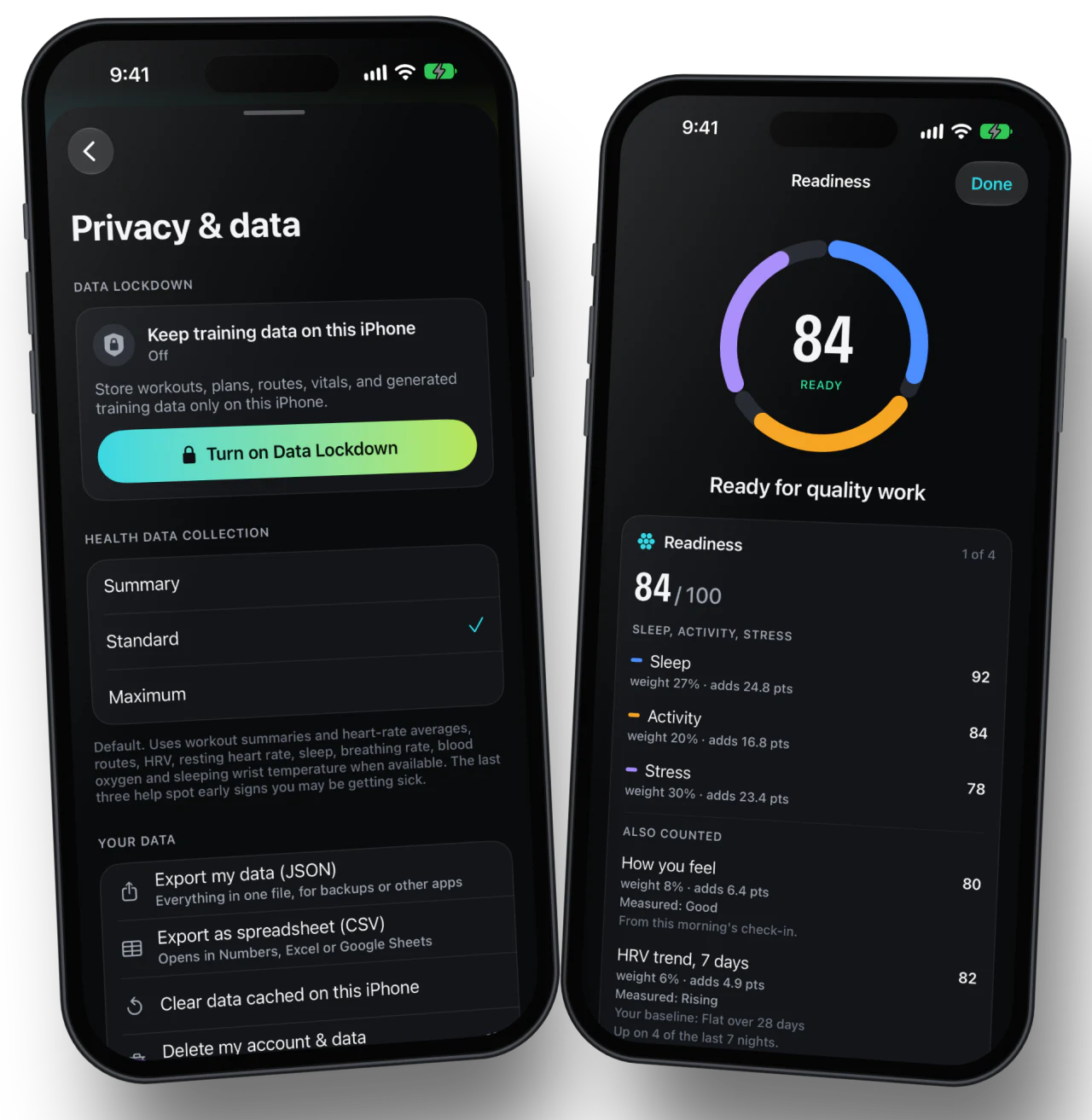
Coaching stays on your iPhone
On supported devices, your training context comes from Apple Health and stays on your phone for local coaching.

Data Lockdown is for athletes who want eligible training data handled locally. On supported iPhones, coaching runs through Apple Health, we remove server-stored training records, and connected imports pause until you turn it off.
On supported devices, your training context comes from Apple Health and stays on your phone for local coaching.
When you turn on Data Lockdown, CorrCoach deletes the training records we normally store for cloud planning. Your account and billing records stay.
Third-party provider imports stop while Data Lockdown is on, and connections like Wahoo or Polar are removed. Turn it off anytime you want cloud sync back, then connect them again.
Billing, sign-in, legal, security, and support records stay on our servers. Your account can’t work without them.
Same account, two ways to run it. Here is what moves, what stays on your phone and what we delete.
The usual way. CorrCoach keeps your training records so planning, Coach and imports work.
Your training data stays on your iPhone. Only the account side stays with us.
Turning Data Lockdown on removes connections like Wahoo and Polar. Turning it off doesn’t bring them back, so connect them again afterwards.
CorrCoach with made-up data: Data Lockdown sits in Privacy and data, and readiness comes from Apple Health. Sign-in, billing, legal, security, and support records still need server-side account services.